Connectors
Connectors
 VGA cable: A VGA cable is used to connect your computer system to a display unit such as and monitor. It connects to the display unit via a HD15 connector.
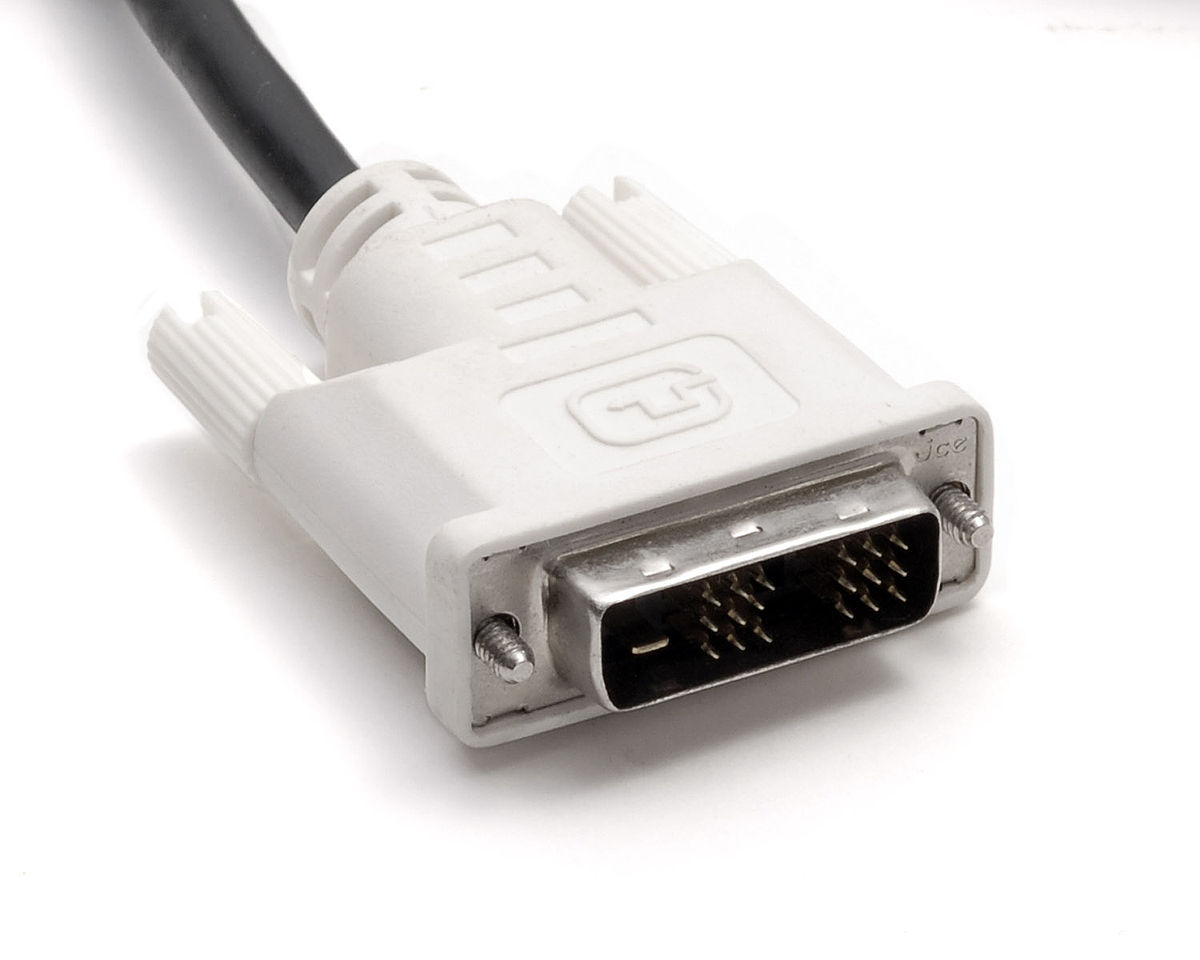 DVI(digital visual interface) cable: A DVI cable is also used to connect display units such as an monitor or a tv to the computer system. Some DVI cable can be used to carry DVI signals to a analog display.
 parallel port/printer cable: A printer cable is used to connect devices such as a printer to a computer system so that they are able to communicate with each other.
 USB(Universal serial bus) port: This is used to connect any device to a computer system that have a USB cable attached to them. For example you can use the usb port to connect peripheral such as keyboards and mice. you can also you a USB port and a USB A to Micro B to tether devices like your smartphone to you computer.
 Firewire: Firewire which was was developed by apple used to be a option other than USB that you could use to connect devices such as a external hard drive to you computer system alongside other device. But in this modern time Firewire has become almost completely obsolete as a result of the Superior USB3.0.
 SATA port: The SATA port is used to connect storage devices such as a solid state drive and hard disk drives to the motherboard via a SATA cable which allows the access to these storage devices.
 Ethernet port: This port is used to allow the computer system to connect to a network physically via a Ethernet cable. This allows the device to use the features of the network such as internet access, file sharing and possible sharing of peripherals such as printer and scanners.
 Fibre channel: A fibre is a type of high speed network technology which can have speed of 1,2,4,8,16,32 and 128 gigabits per second. At this current time the main use of fibre channels are mainly used to connect data storage to servers, also it is commonly used in storage area networks(SAN) in commercial data centres.
SATA vs SAS: SATA(serial advanced technology attachment) and SAS(serial attached SCSI)
both do the same basic role within a computer system, this role is to be the connector that attached a computer storage device to the mother and allows the computer system to access the data stored in these storage device and add and edit data if needed.
But the main difference between SATA and SAS is that SAS drives are faster and more reliable then SATA drives. For example the average speed of a SATA 7.2k drive is 80IOPS(inputs and outputs per second), Where as the average speeds of SAS drive is 120IOPS for a 10k SAS drive and 180IOPS for a 15k SAS drive. Because of this SATA drives are more likely to be used in computer systems for regular use like desktops and laptops. While SAS drives are more likely to be used in more high-end computers like server where the drive will be accessed and written more often.


Comments
Post a Comment